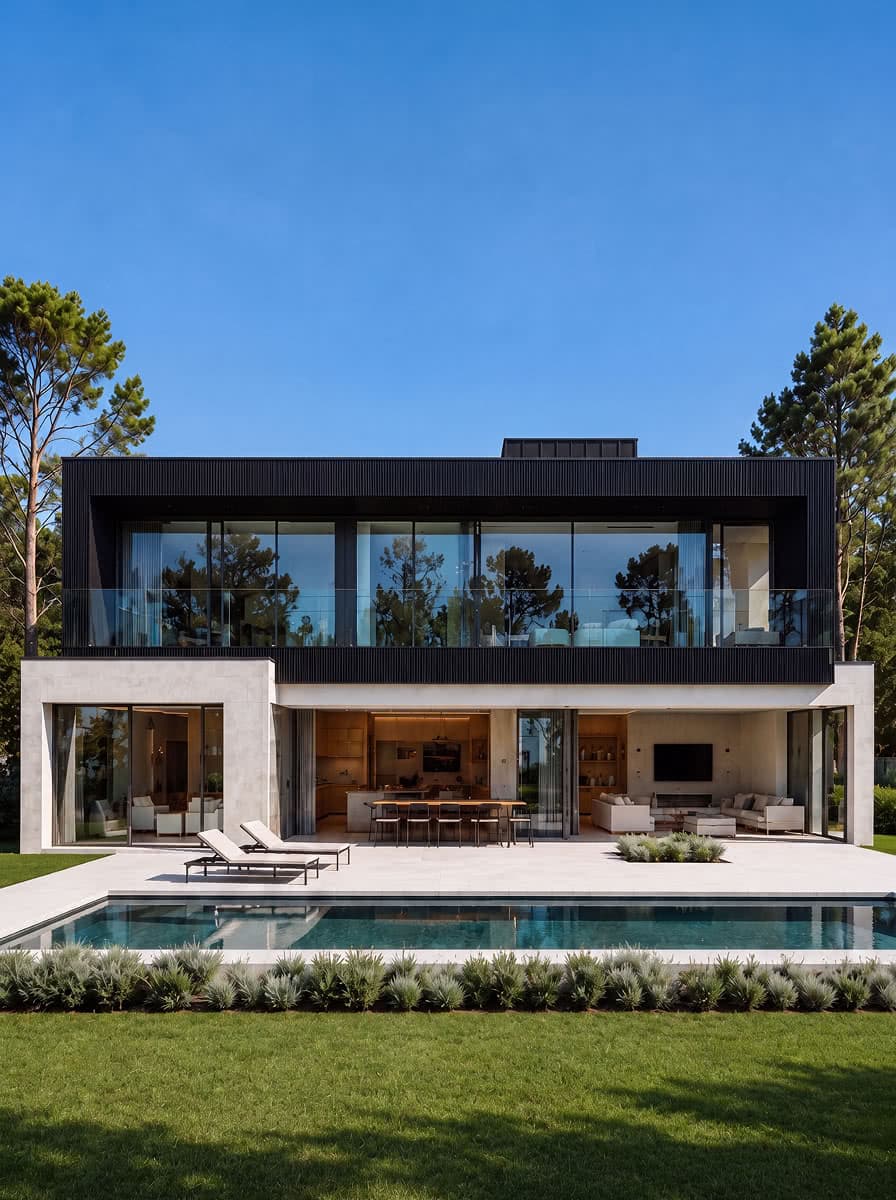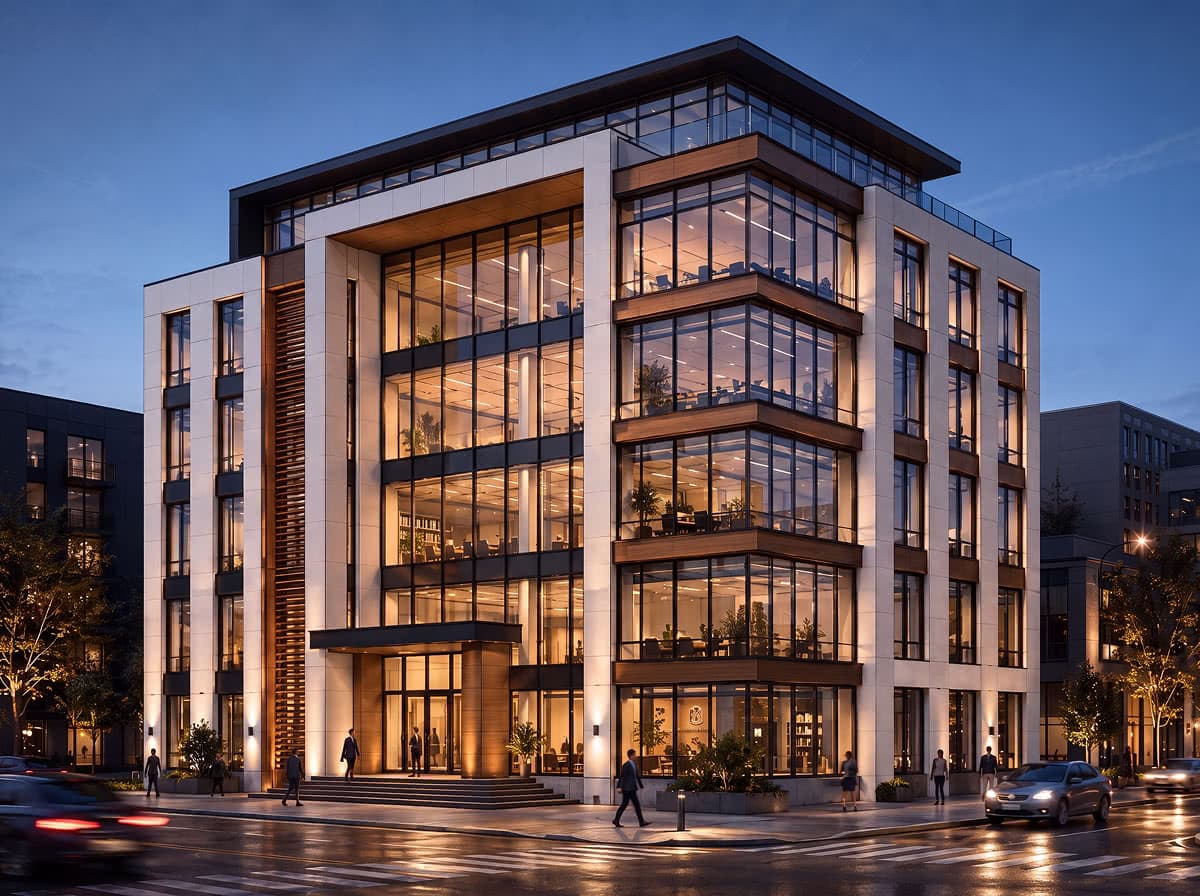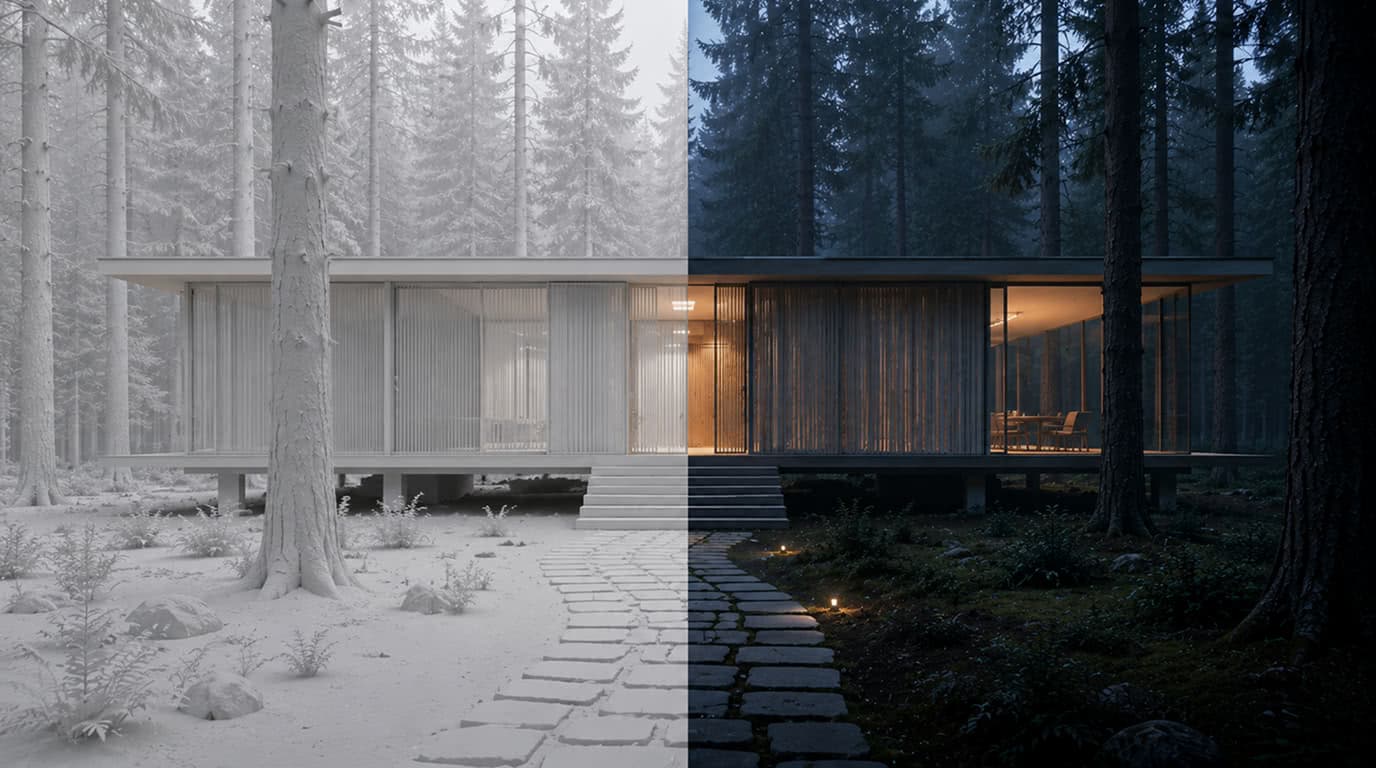

Chat your 3D model into a polished render.

Upload a model view, describe the visual direction, and generate better architectural, interior, product, or asset renders without opening a canvas.

3D

model views in

Chat

direction layer

4K

presentation outputs

Supported model providers

GoogleBlack Forest LabsOpenAIByteDanceKuaishou
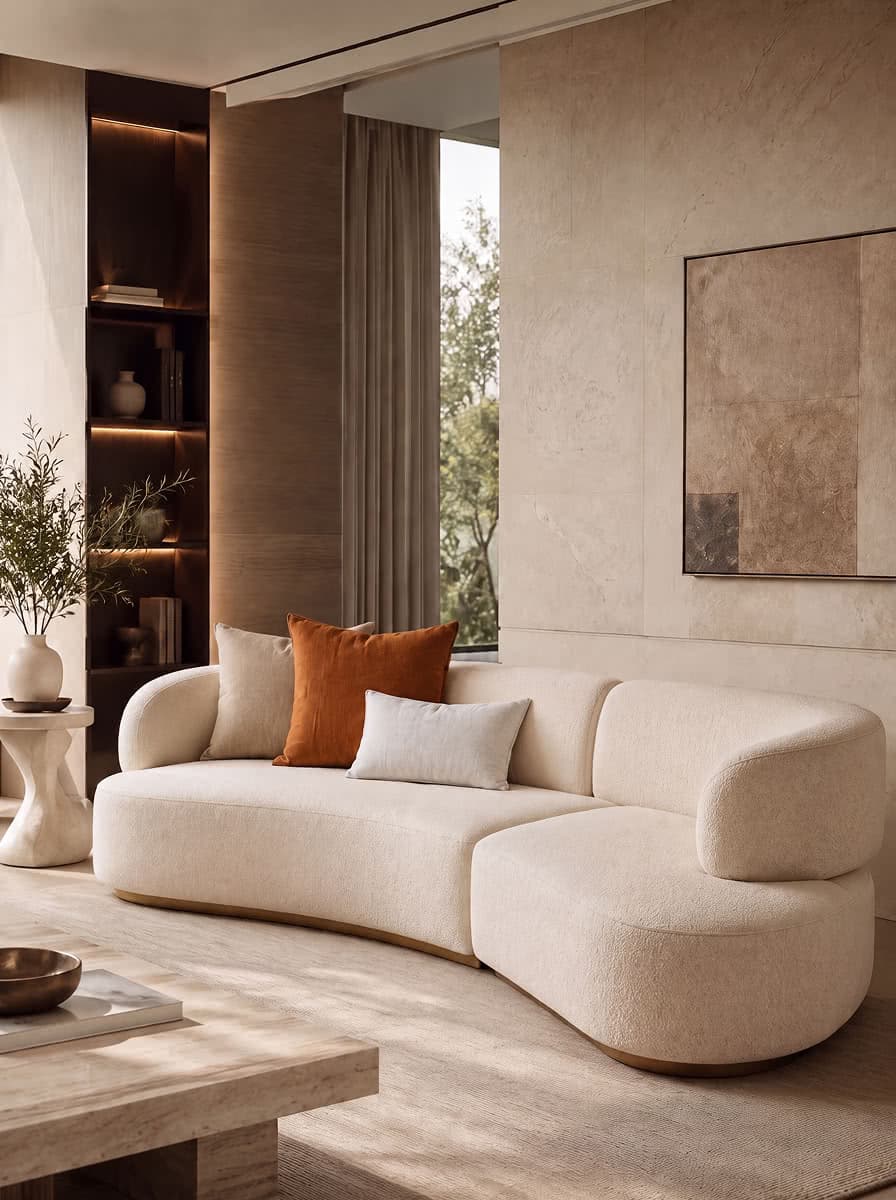
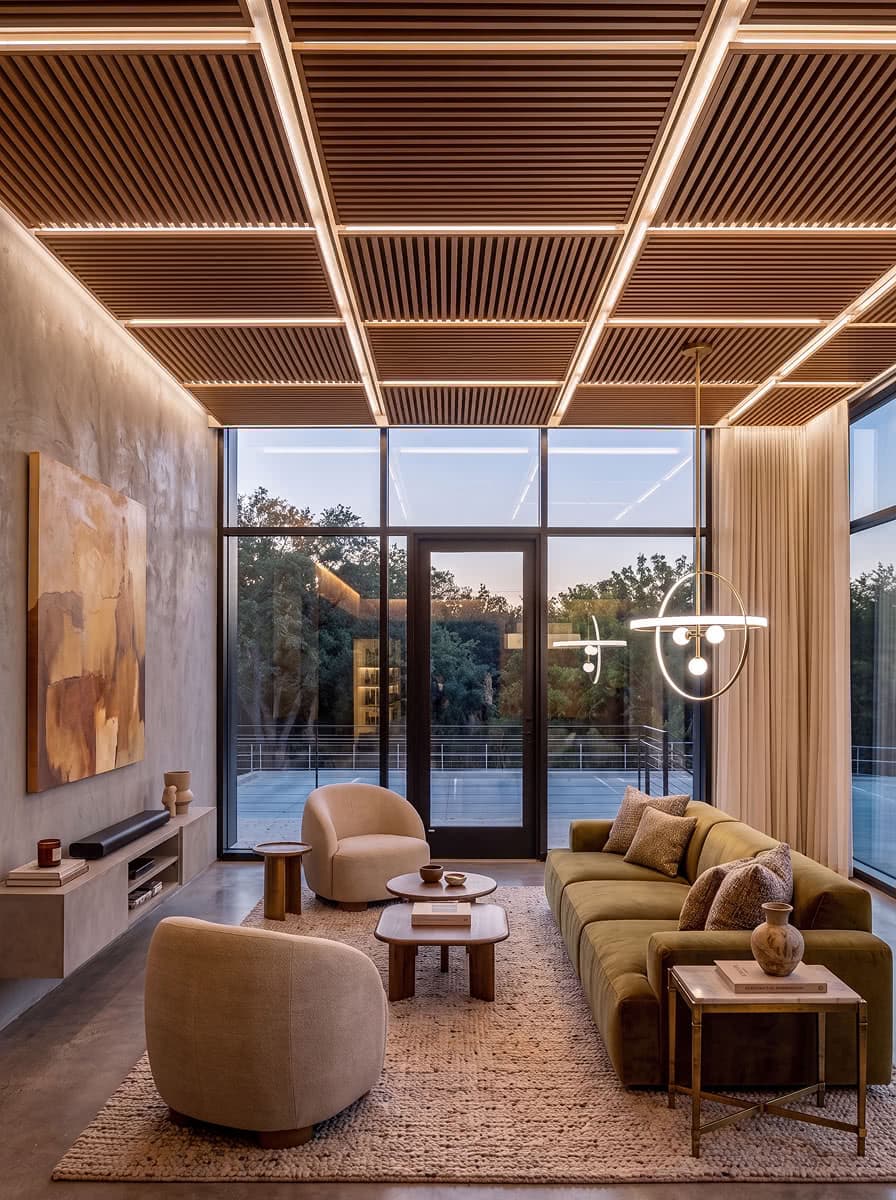
Living room model view resolving into a warmer finished render
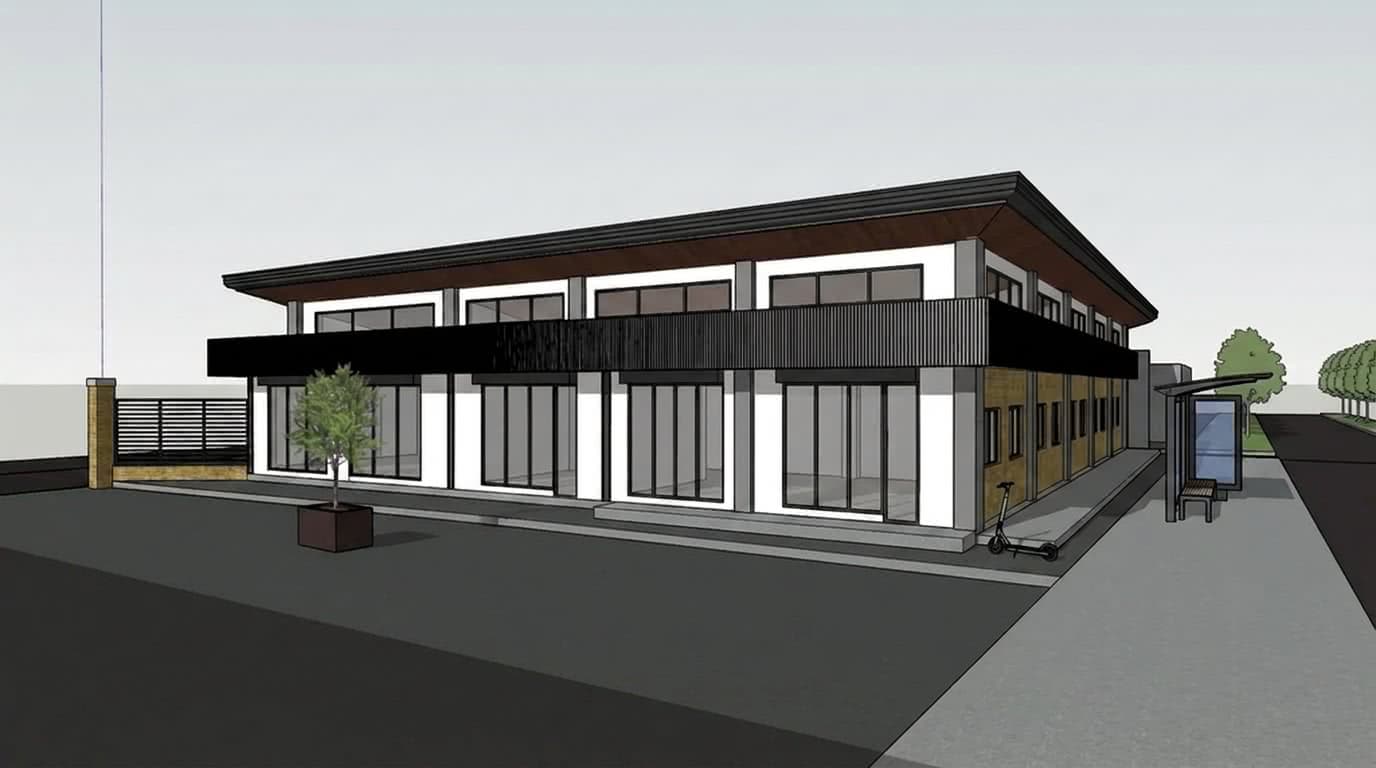
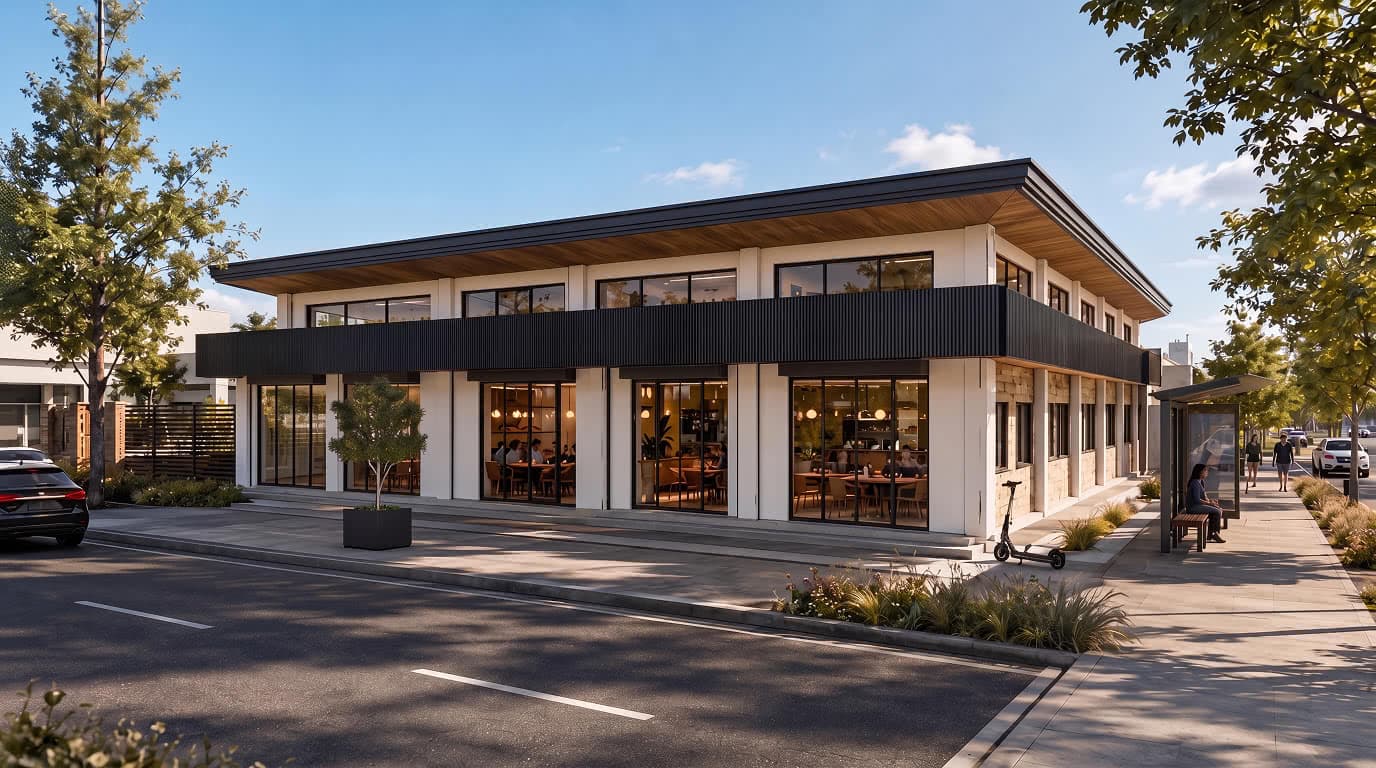
Example prompt: Photorealistic, sunlit photograph of this minimalist line-drawing. Texturize walls and pavement, retaining the building form, bus stop, electric scooter, and plant. Add lush trees, a black car, and people dining inside. Blue sky and dynamic shadows.

The RenderChat creative system

Any model. Any style. Context that keeps up.

Choose the engine, set the visual world once, and let RenderChat bring the right creative ingredients into every prompt.

01 · Model freedom

Use the model you want.

Move between leading image models without separate accounts, API keys, or subscriptions. Pick the best engine for each prompt and compare results in one chat.

Google

Nano Banana 2

Black Forest Labs

FLUX.2 Pro

OpenAI

OpenAI Image

Google

Nano Banana Pro

Kuaishou

Kling O3

ByteDance

Seedream 5.0 Lite

One balanceSwitch per promptOne conversation
02 · Moodboards

Moodboards for any style.

Build a reusable visual world from references you love. RenderChat carries its palette, materials, lighting, and mood across every model you choose.

Warm minimalEditorialCinematicYour style
03 · Auto context

The right context, automatically.

RenderChat smartly pulls only the ingredients needed for the next image—from your moodboard, prior chat decisions, and the message you just sent.

Auto context
Ready
MoodboardStyle, palette, material, and lighting cues
Chat historyDecisions, constraints, and recent references
Current messageThe change you are asking for right now

Relevant context is assembled for each request—no manual copying, re-prompting, or lost decisions.

One model · Multiple visual directions

Render the same architecture in any style or mood.

Start with

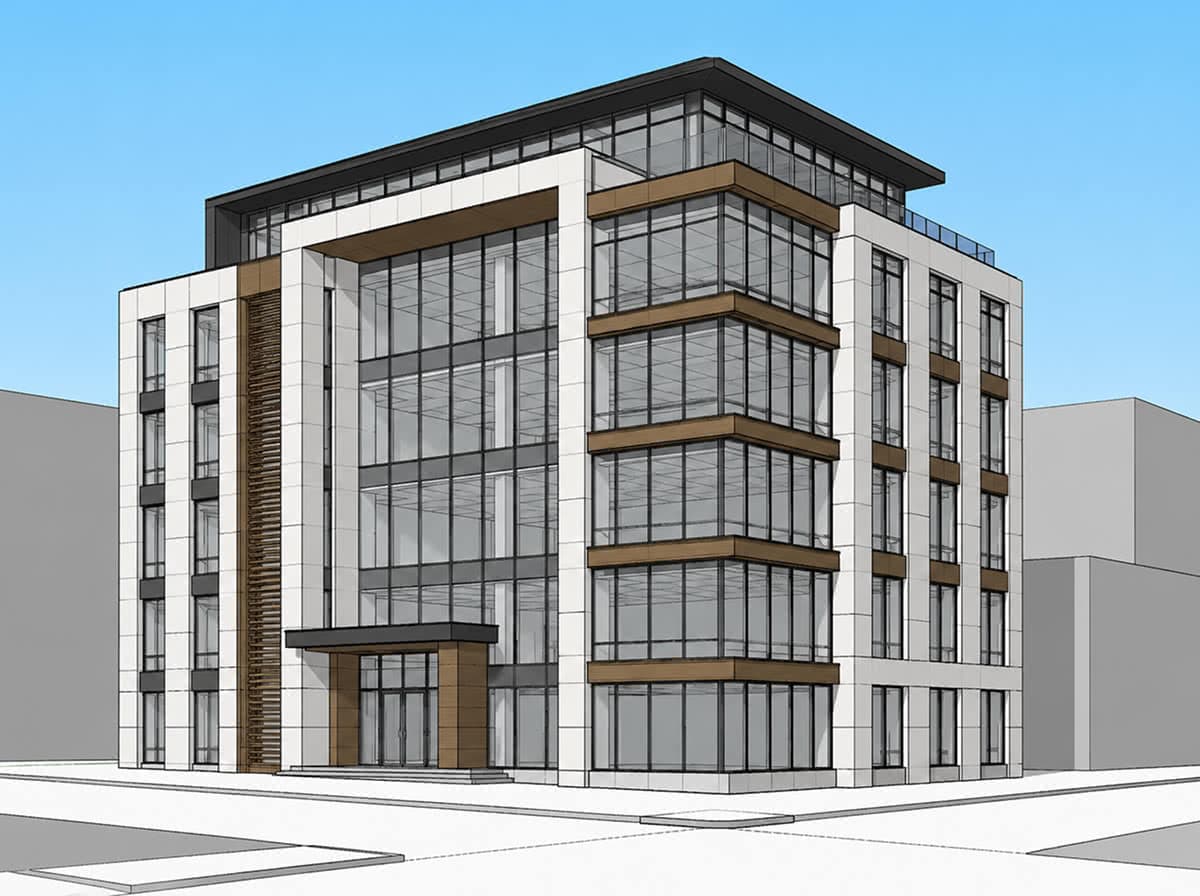
A 3D model screenshot, viewport capture, or clay render.

Explore freely

Lighting, materials, style, and atmosphere without rebuilding the model.

Original 3D architectural model screenshot

Source

Original 3D model view

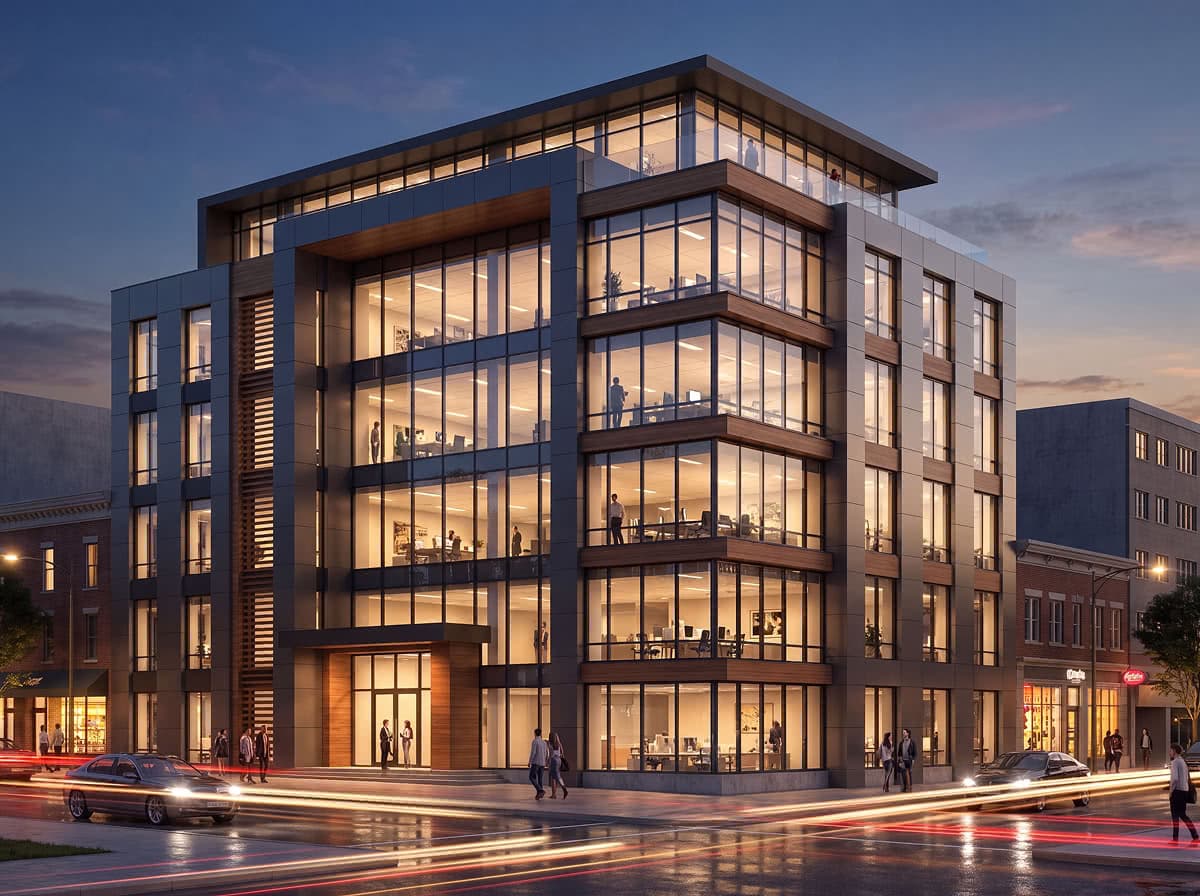
Architectural rendering with a warm evening atmosphere

Warm mood

Warm evening atmosphere

Architectural rendering with a cool blue-hour atmosphere

Cool mood

Cool blue-hour atmosphere

Why RenderChat

Focused on model-to-render work, not broad prompting.

Focused on improving 3D model views, not generic text-to-image prompts

Uses pipeline choices tuned for render realism, image cleanup, and design intent

Simple chat interface removes the need to manage canvas layers manually

Chat-based model-to-render generation

Specialized AI image pipelines for better render quality

Geometry-aware image transformation

Material, lighting, mood, and composition refinement

Use cases

For designers and artists who already have the model.

01

model view to presentation

Architectural previews

Turn a viewport capture or massing pass into a client-ready render direction.

02

lighting and material moods

Interior mood options

Explore daylight, palette, furniture, and finish variants without rebuilding the scene.

03

finish and reflection passes

Product material studies

Compare surface treatments, reflections, colorways, and hero angles from one object view.

04

asset look development

Game asset presentation

Frame props, environments, and character pieces as polished pitch or portfolio imagery.

Common teams

Architectural designersInterior designersVisualization artistsIndustrial designersGame asset artists3D generalists

Problems it solves

Model screenshots and clay renders need more polish before client review

Traditional rendering setup can be slow during early design iteration

Generic AI image tools often distort geometry and design intent

Designers need quick variations without rebuilding scenes or materials

Questions

Frequently asked questions

What is RenderChat?

RenderChat is a chat-first AI rendering workspace that turns 3D model screenshots and visual references into stronger presentation renders.

Who is RenderChat for?

RenderChat is built first for architectural and interior designers, and is also useful for industrial designers, game artists, and other 3D creators.

How does RenderChat work?

Upload a model view or reference image, describe the desired render direction, and RenderChat routes the request through specialized AI image pipelines.

What inputs work best?

Clear model views, viewport screenshots, clay renders, material references, and previous outputs work best. Strong inputs help preserve composition, scale, and design intent.

How much of my model's geometry is preserved?

RenderChat's pipelines are tuned to keep geometry, camera framing, scale, and object identity recognizable. Clear, well-framed input views preserve the most; large style or material changes can still shift fine details, so review each render against your model view.

Are the renders physically accurate?

No. RenderChat produces presentation imagery, not physically exact simulation — use it to explore and communicate design direction, not to verify lighting levels, measurements, or material specifications.

Where can I review pricing?

You can review the current plans and pricing on our pricing page.

Where can I review the legal terms?

Review our terms of service and privacy policy before using RenderChat.

Warm living room render result

AI rendering from 3D models

Turn your next model view into a stronger render.

Bring a viewport capture, clay render, or reference image and start the first chat.

Start rendering

Cookies help us improve RenderChat. Accept to allow analytics and advertising cookies (Google, Meta), or decline to keep them off. Privacy